How can we help?
Guides and answers for running a Pokémon TCG event with Ruloo.
Most asked
Guides
Set up
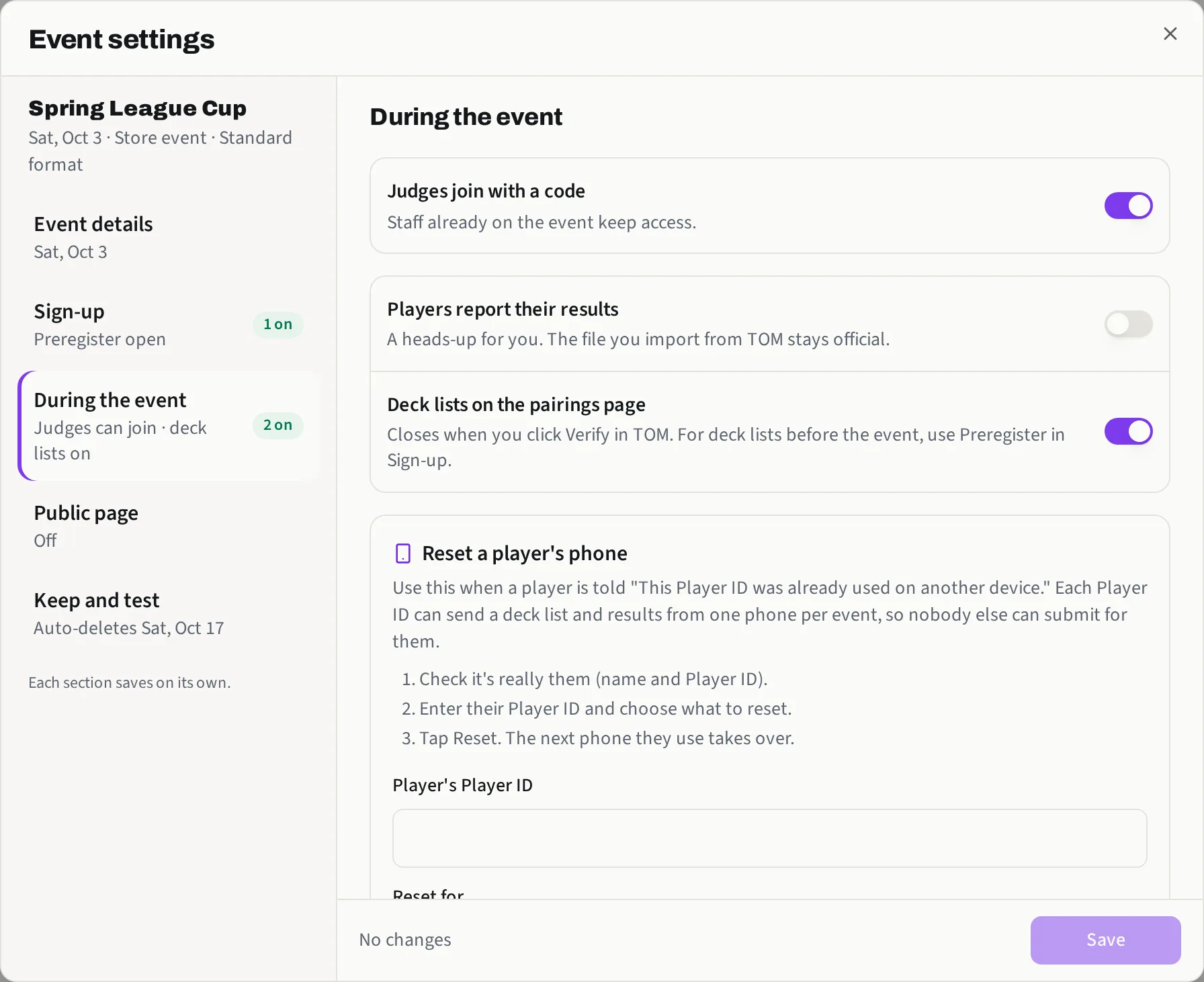
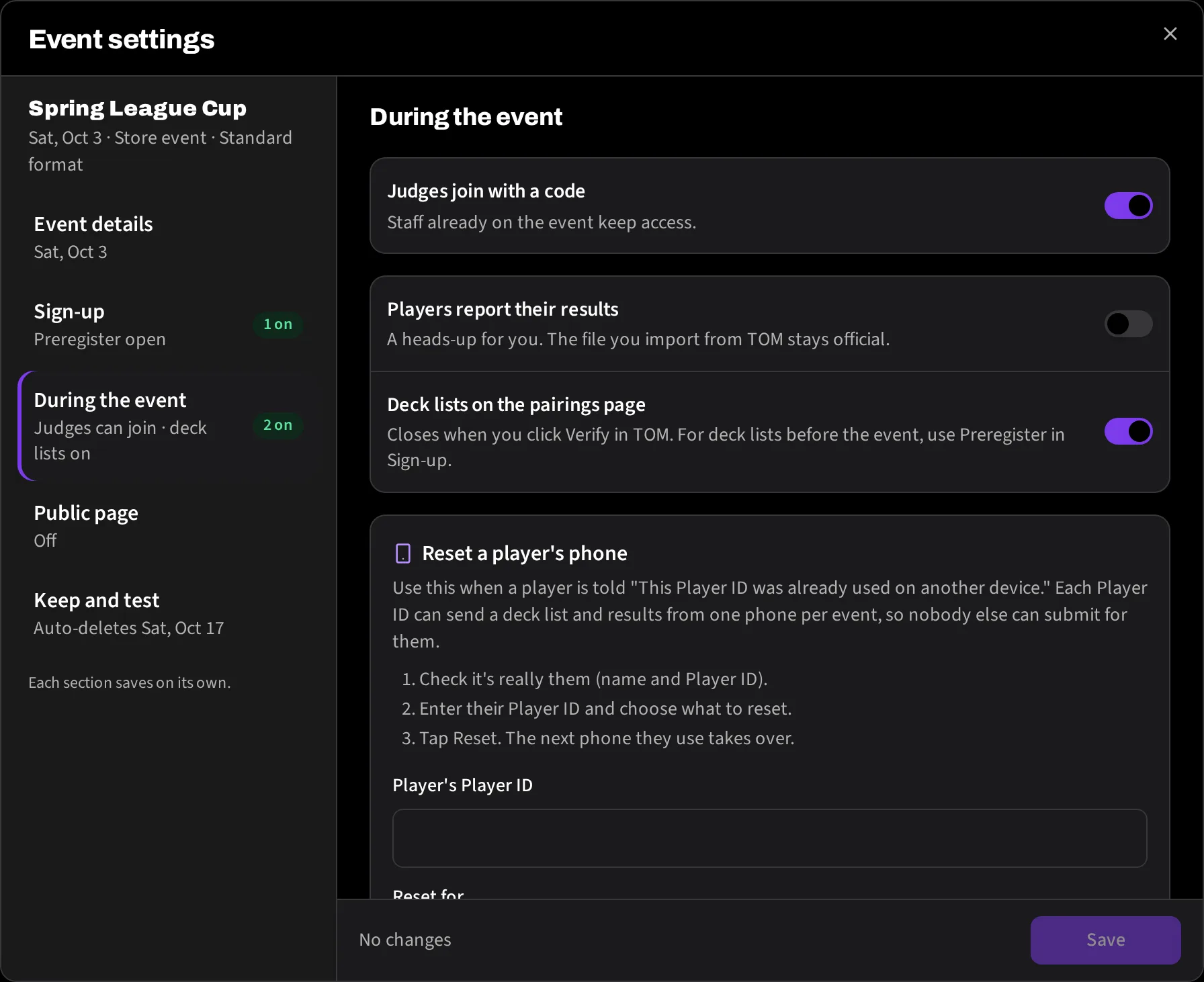
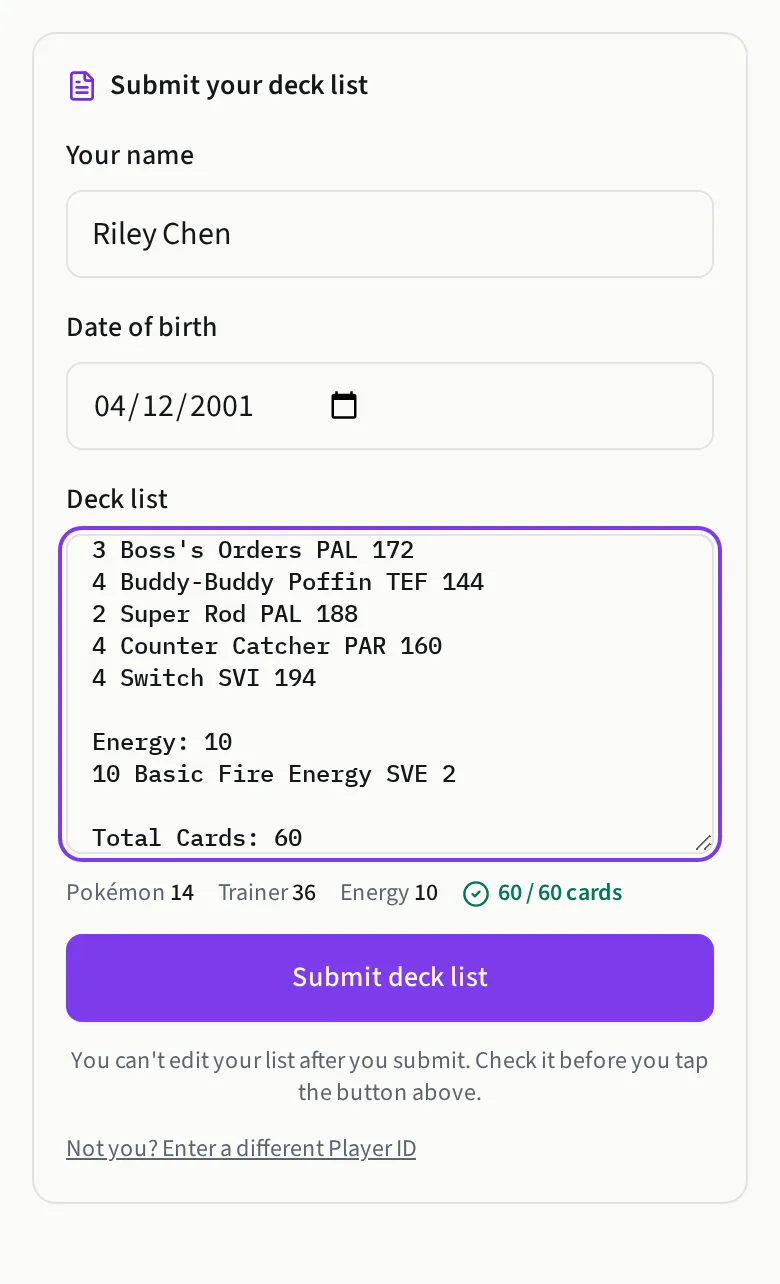
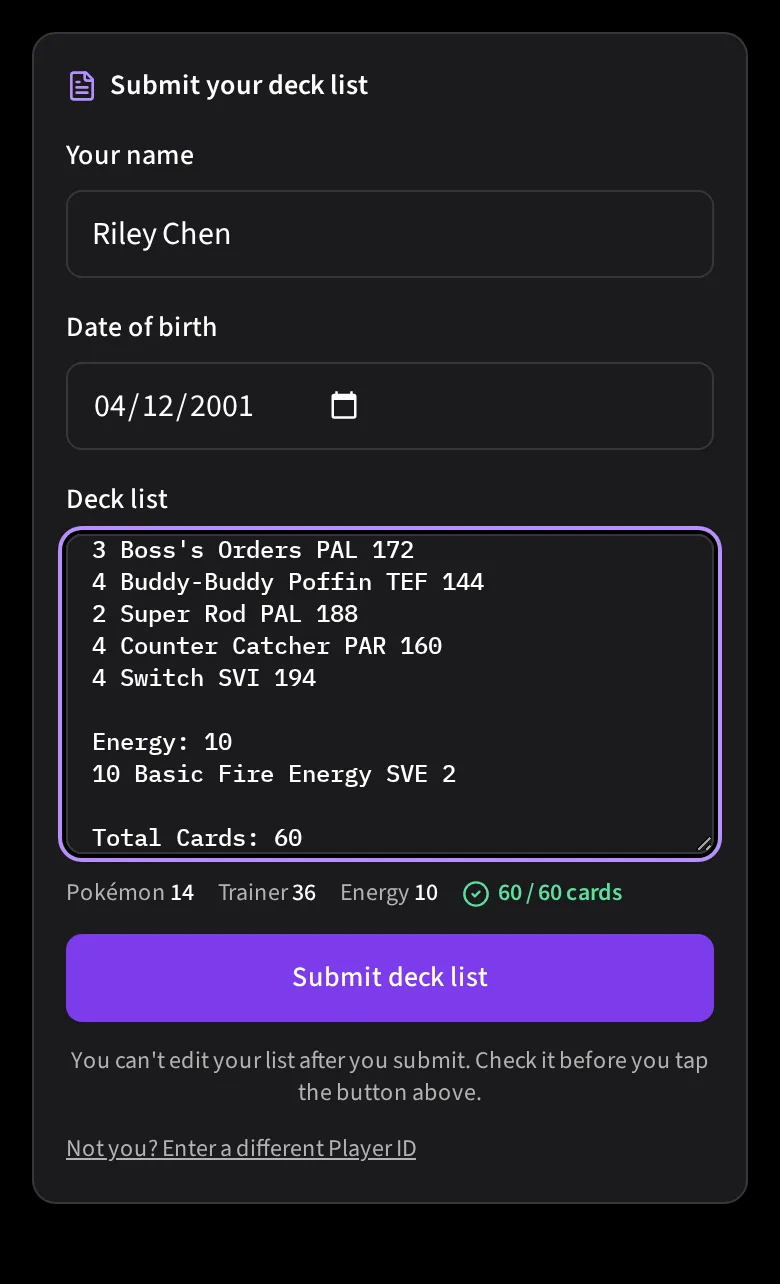
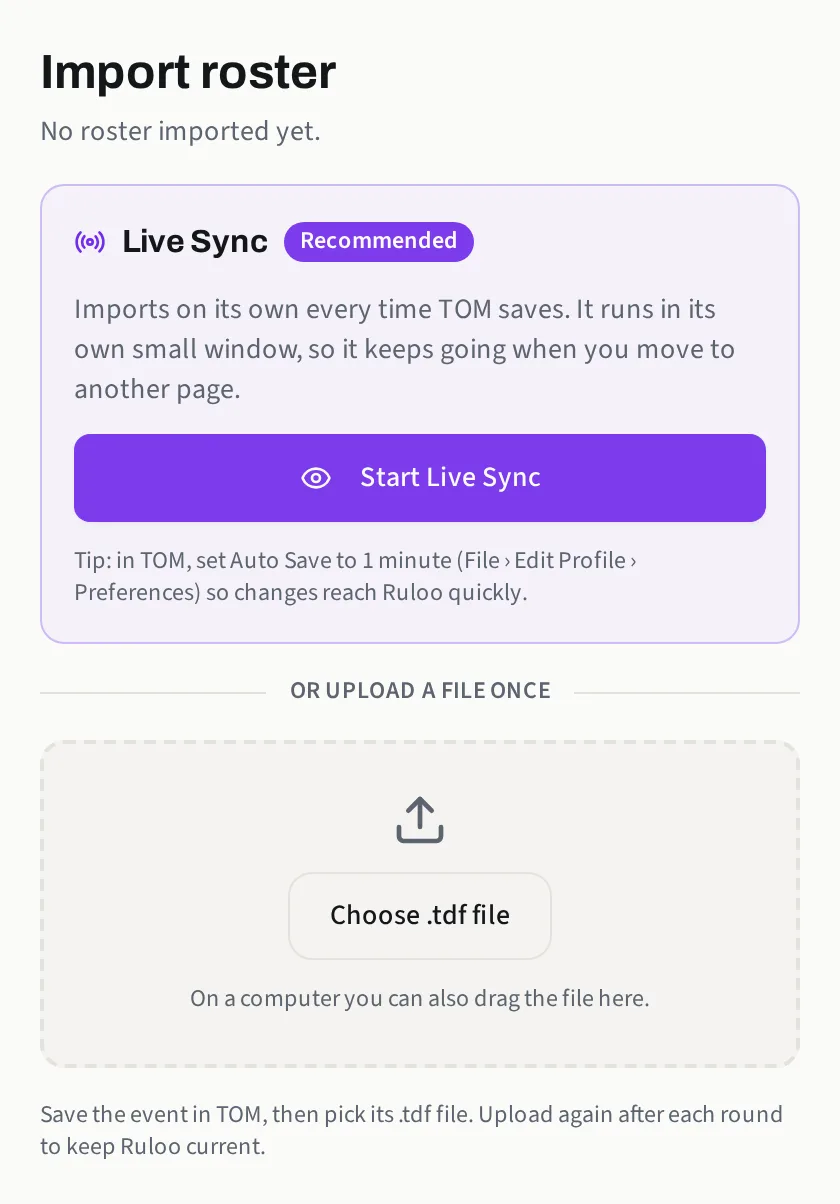
Starting an eventCreate and configure a new event in Ruloo, from initial setup to enabling player-facing features and syncing live results.OrganizersDeck submissions and preregistrationLet players submit their name, Player ID, and deck list before the event via Preregister, or in person from the pairings page. Each submission locks automatically.Organizers
Run rounds
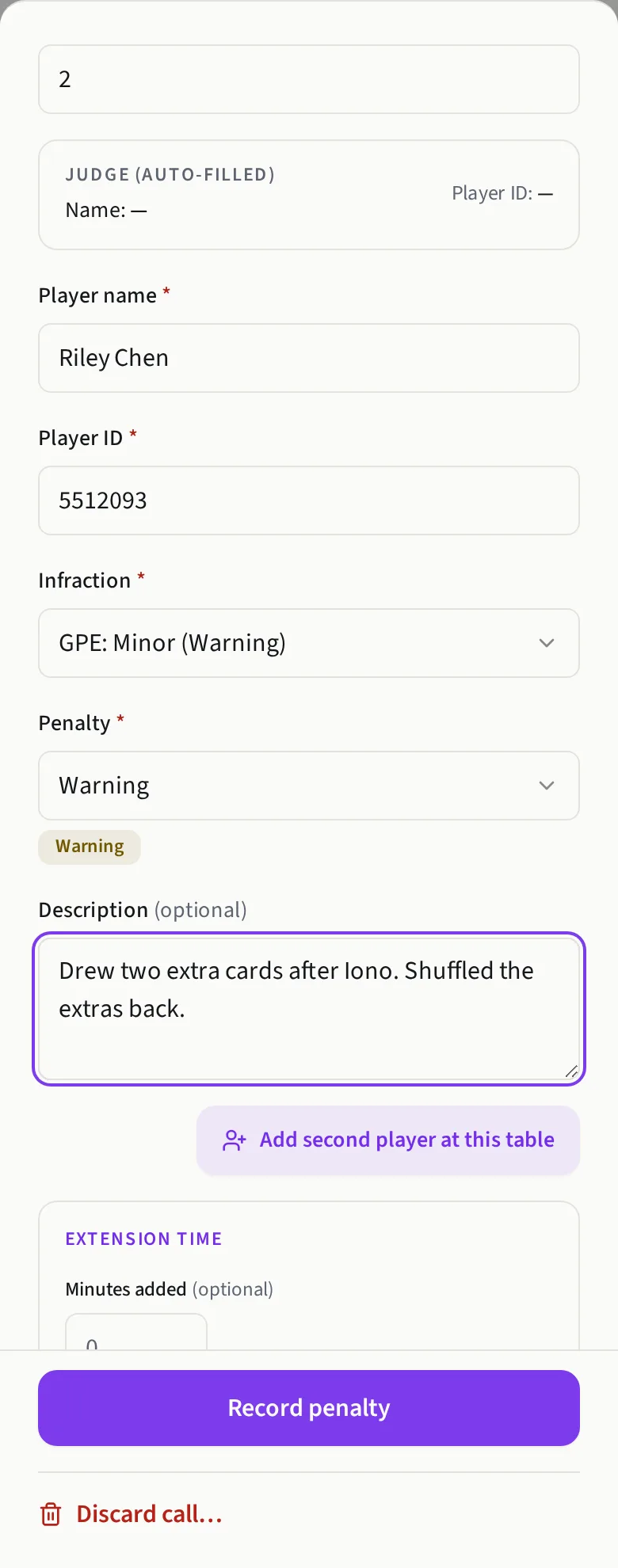
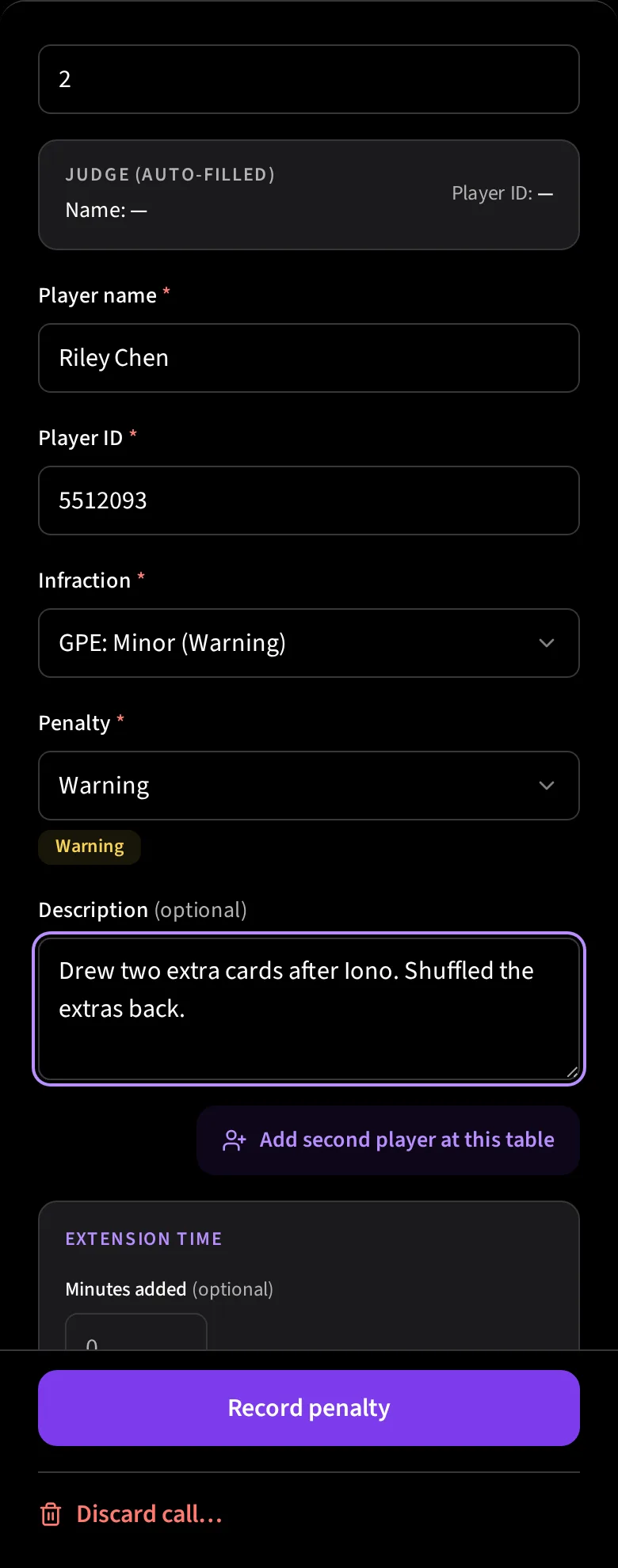
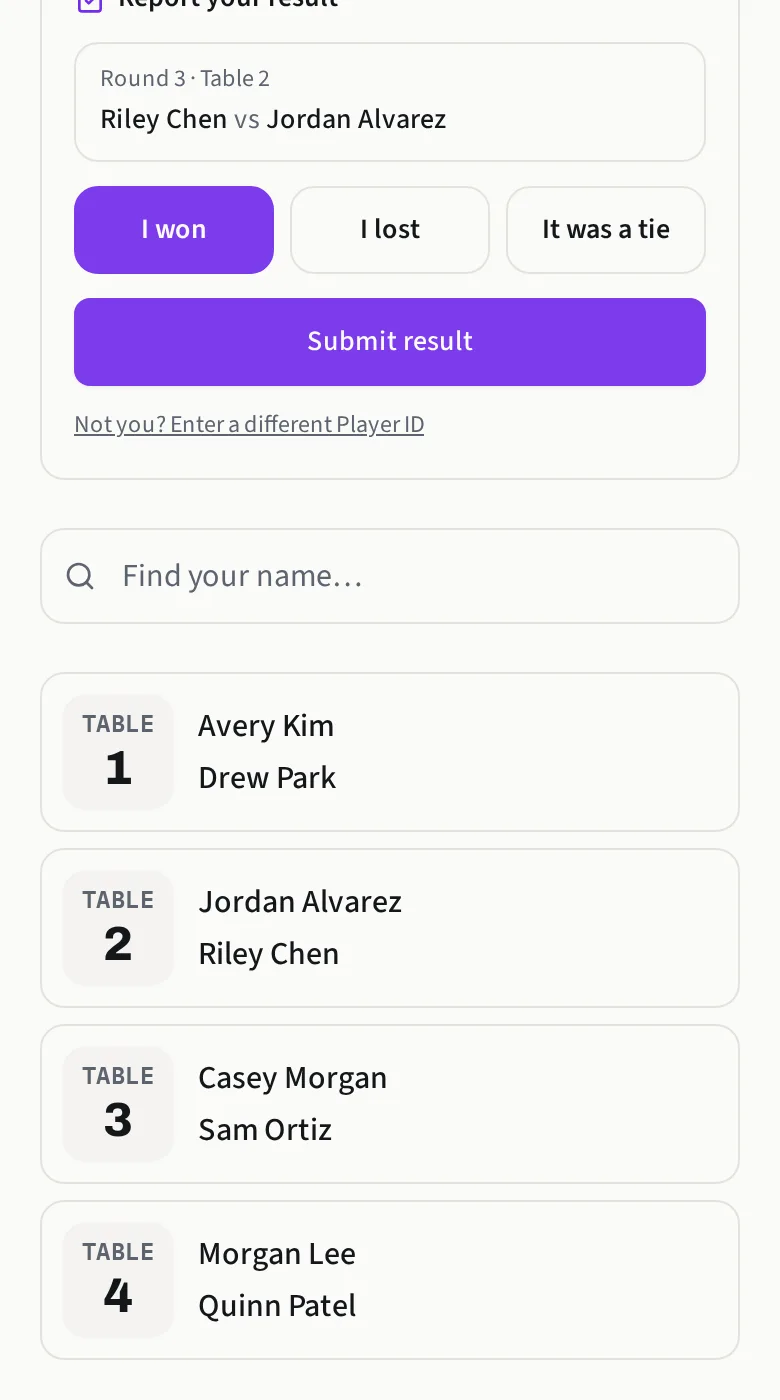
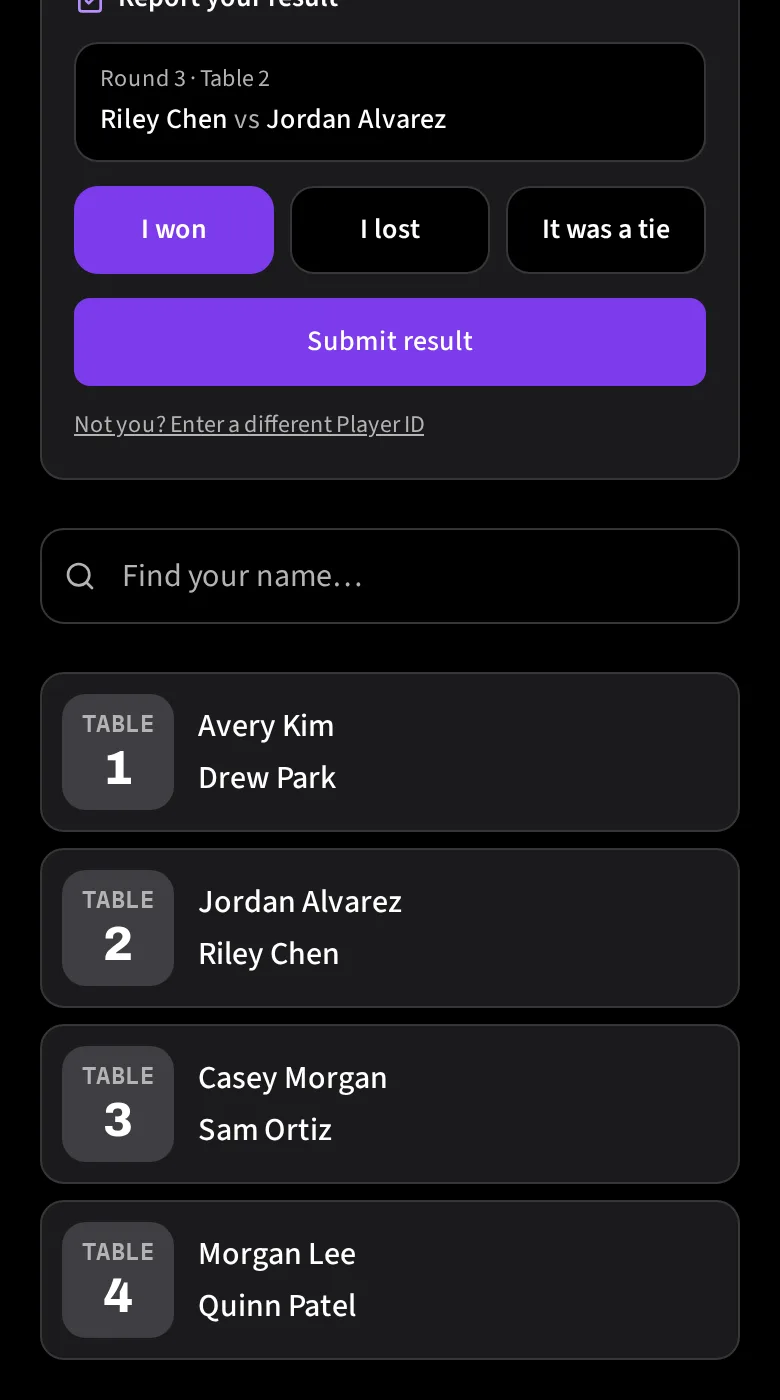
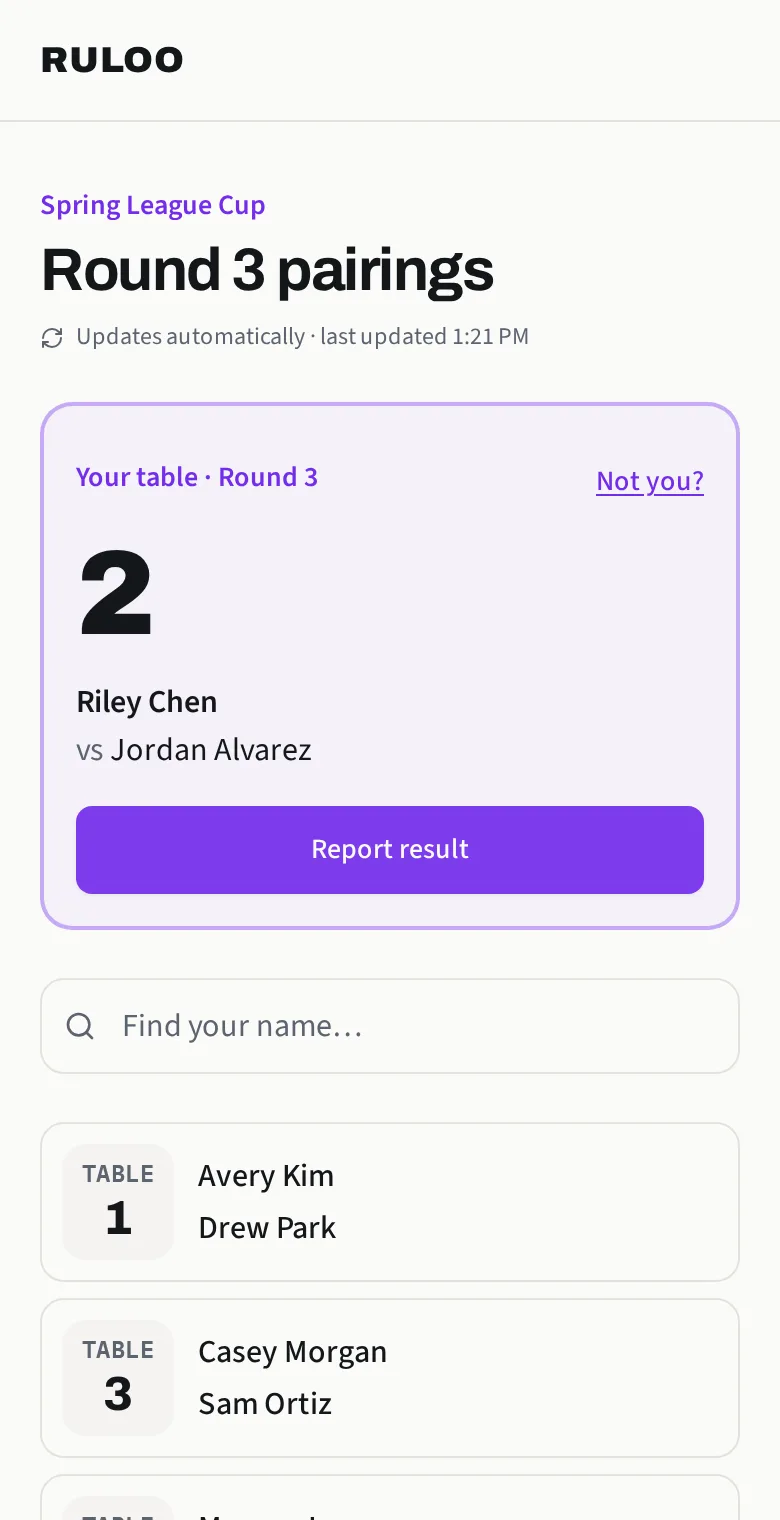
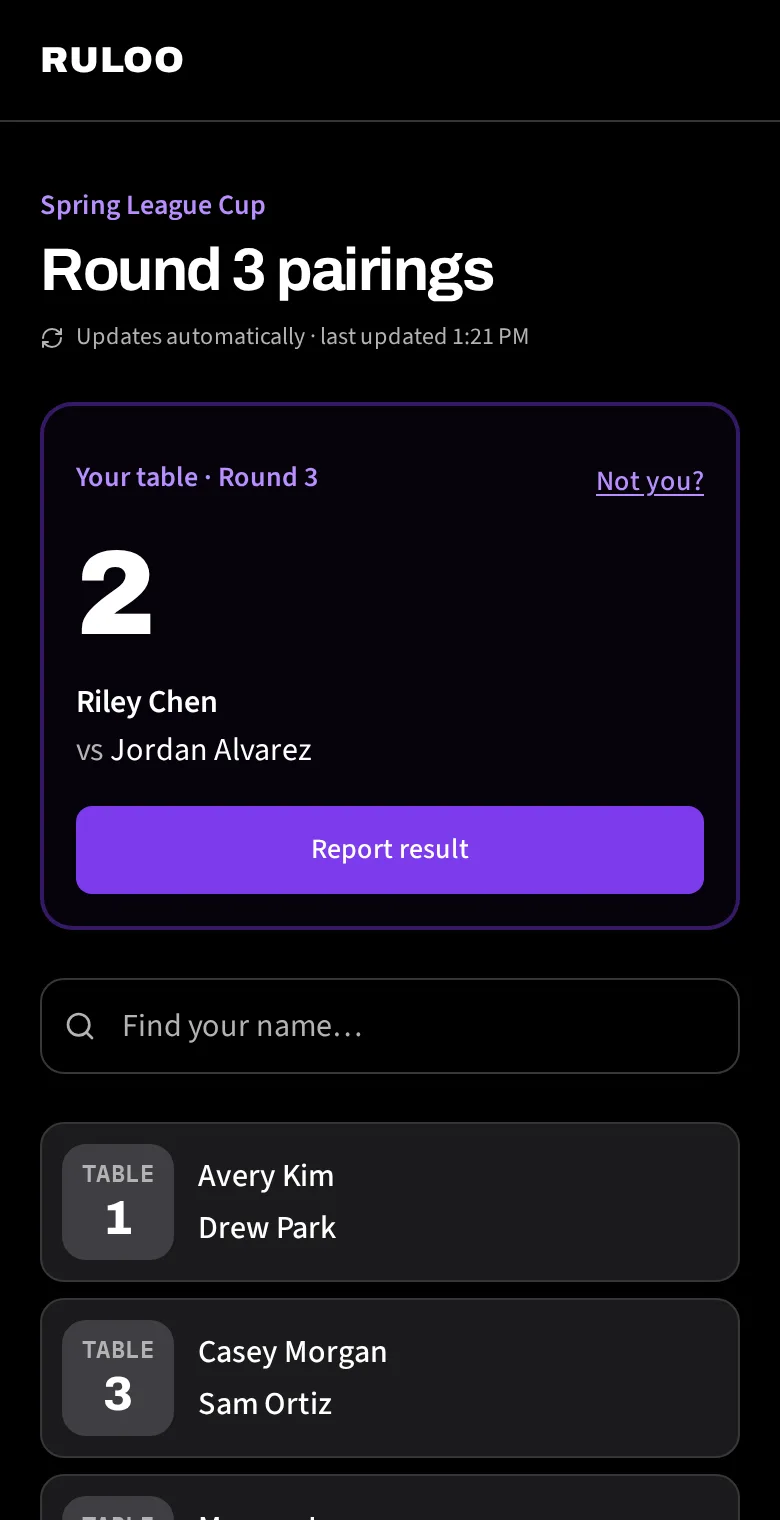
Judge CallLog a penalty, a note, or a late arrival for any player in seconds, right from the event page.Judges · OrganizersFloor map: venue layouts for judgesLay out your venue's tables once, give each match spot its TOM table number, and your judges get a live map of who's sitting where.Organizers · JudgesSubmit results: player self-reportingLet players report their own match result from the public pairings page, as a heads-up for you before you enter the real result into TOM.Organizers · PlayersFinding your tableScan the QR sign or type the pairings code. Your table, opponent and round, on your phone.Players